The 5 Best Free Trello Alternatives: The Ultimate Guide to Boosting Your Productivity

5 Best Free Trello Alternatives: Ultimate Productivity Guide
Let’s be honest for a second: Trello is a fantastic tool. Its simple, visual Kanban board interface revolutionized how we think about task management. If you just need to move a few digital sticky notes from “To Do” to “Done,” nothing beats its simplicity. But here is the catch. As your projects grow, your team expands, and your workflows become more complex, Trello’s free plan starts to feel like a straightjacket.
Trello is a popular project management and collaboration tool that helps individuals and teams organize tasks visually. Using boards, lists, and cards, users can plan projects, track progress, assign responsibilities, and manage deadlines in a simple and intuitive workspace. Trello is widely used for task management, team collaboration, and workflow organization across businesses of all sizes.
Suddenly, you are hitting the 10-board limit per workspace. You are running out of monthly automation commands. You realize that adding custom fields or tracking time requires pulling out your credit card. It is exactly at this frustrating crossroads that thousands of professionals start actively searching for the best Trello alternatives.
If you are reading this, you are likely in the same boat. You love the visual, drag-and-drop nature of Kanban boards, but you need more power, more flexibility, and most importantly, a robust free tier that doesn’t punish you for being productive. You need Trello alternatives that offer enterprise-level features without the enterprise-level price tag.
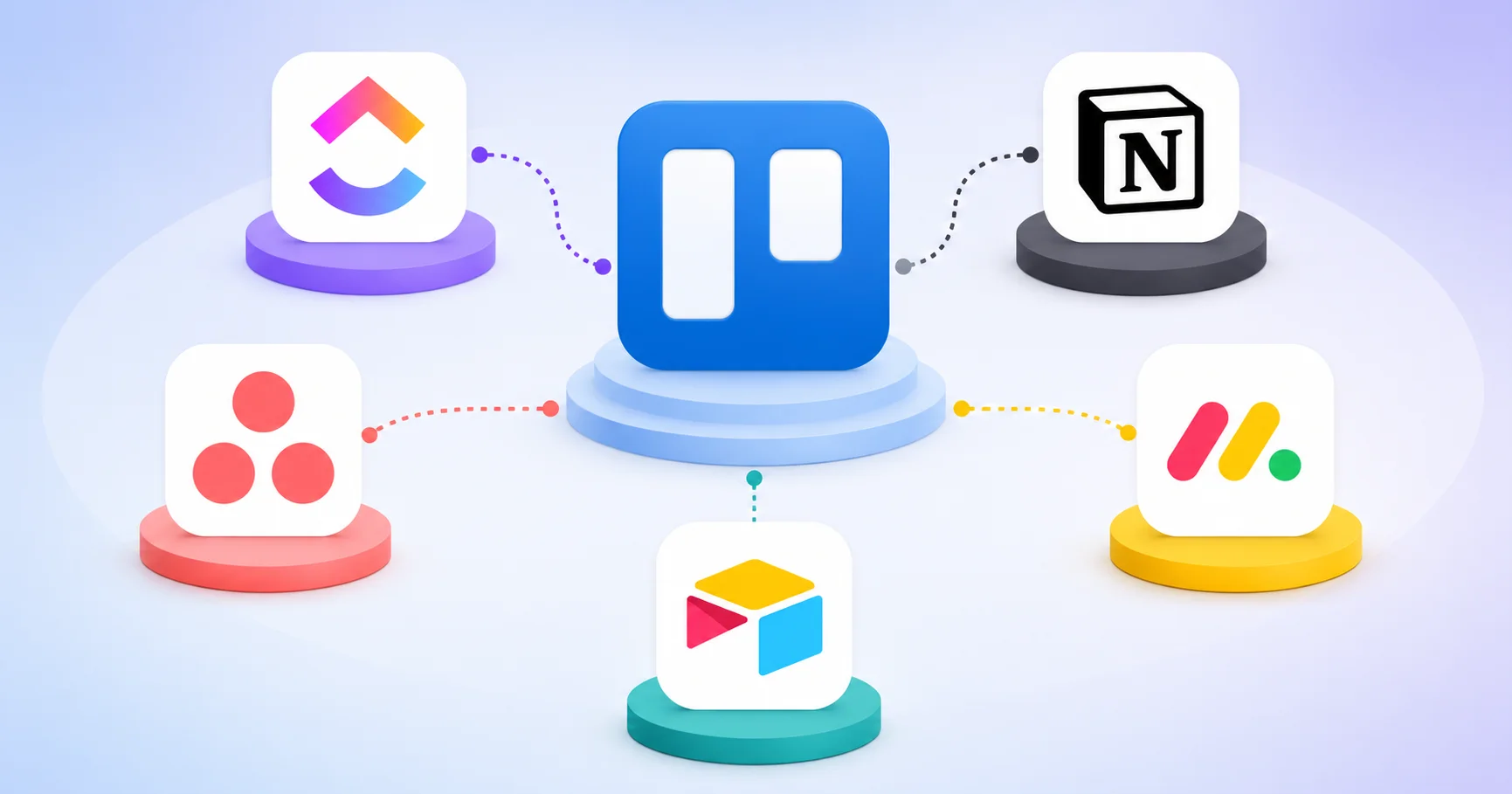
In this comprehensive, no-nonsense guide, we are going to explore the 5 best free Trello alternatives available today. We have tested these platforms extensively, analyzing their free plan limits, user interfaces, automation capabilities, and overall value. Whether you are a solo freelancer, a startup founder, or a project manager juggling multiple teams, this guide will help you find the perfect Trello alternatives to skyrocket your productivity. Let’s get straight to it.
Why You Might Be Searching for Trello Alternatives in 2026
Before we jump into the specific software, it is crucial to understand why so many users are migrating away from Trello. Trello isn’t a bad tool, but it is a highly restricted one on its free tier. Understanding these limitations will help you appreciate why these specific Trello alternatives made our list.
The Infamous 10-Board Limit
The biggest pain point for growing teams is Trello’s hard cap of 10 boards per workspace on the free plan. If you are managing a marketing campaign, an editorial calendar, a CRM pipeline, and an onboarding process, you have already maxed out your free workspace. This single restriction drives more people to seek out Trello alternatives than almost any other factor.
Automation Throttling
Trello’s Butler automation is incredibly powerful, but the free plan limits you to just 250 commands per month. In a busy workflow, you will burn through that limit in a matter of days. When you are forced to choose between automating a card move or archiving old lists, your efficiency plummets. The Trello alternatives we review below offer vastly superior automation limits on their free tiers.
Lack of Advanced Views and Reporting
Trello is strictly a Kanban board. While they added a calendar and table view in recent years, you cannot get Gantt charts, workload management, or advanced dashboards without paying. If your team needs to visualize project timelines or track team capacity, you absolutely need to look at Trello alternatives that offer multiple view types for free.
The Need for All-in-One Workspaces
Modern teams don’t just want a task board; they want a central hub. They want their tasks, documents, wikis, and spreadsheets to live in the same ecosystem. Trello forces you to integrate third-party apps (like Google Drive or Slack) to achieve this, which often leads to a fragmented workflow. The best Trello alternatives integrate these features natively.
Now that we know what we are running away from, let’s look at what we are running toward. Here are the top 5 free Trello alternatives that will transform your workflow.
The 5 Best Free Trello Alternatives Reviewed in Depth
1. ClickUp: The Ultimate All-in-One Free Powerhouse
ClickUp is a powerful all-in-one productivity and project management platform designed to help teams plan, organize, and manage their work efficiently. It combines task management, project tracking, document collaboration, goal setting, and workflow automation in a single workspace. Widely used by businesses of all sizes, ClickUp helps teams improve collaboration, streamline processes, and boost productivity through its highly customizable features.
When discussing top-tier Trello alternatives, ClickUp is almost always the first name that comes up. ClickUp’s entire marketing strategy for the last few years has been positioned as “one app to replace them all,” and their free plan is a masterclass in generosity. If you want maximum features without paying a dime, ClickUp is arguably the most powerful among all Trello alternatives.
Why it’s a top Trello alternative:
ClickUp offers unlimited tasks and unlimited members on its free “Forever” plan. Yes, you read that right. Unlike Trello, which restricts your boards, ClickUp lets your entire team collaborate on as many tasks as you want. It includes a highly customizable Kanban board view that will feel instantly familiar to any Trello user, but it also gives you List, Calendar, Gantt, and Workload views for free.
The Free Plan Limits:
While incredibly generous, ClickUp’s free plan does have a few boundaries. You get 100MB of file storage, and advanced features like custom fields and dashboards are limited in how many times you can use them (e.g., 100 uses of advanced features). However, for pure task management and Kanban workflows, it is virtually unrestricted.
Pros
- ✔️ Unlimited tasks and users on the free plan.
- ✔️ Over 15 different views, including a flawless Kanban board.
- ✔️ Built-in docs, chat, and goal tracking.
- ✔️ Highly customizable custom fields and statuses.
Cons
- ❌ The sheer number of features can cause a steep learning curve for beginners.
- ❌ The interface can feel slightly cluttered compared to Trello’s minimalist design.
Pro Tip: If you are migrating from Trello, use ClickUp’s native Trello import tool. Among Trello alternatives, ClickUp makes the transition incredibly painless by mapping your Trello lists and cards directly into ClickUp lists and tasks.
2. Notion: The Flexible Workspace and Wiki Hybrid
Notion is a versatile productivity and workspace platform that combines note-taking, project management, knowledge sharing, and collaboration tools in one place. Users can create documents, manage tasks, build databases, and organize information through customizable pages and templates. Popular among individuals, startups, and large organizations, Notion helps teams centralize their work, streamline communication, and stay organized with a flexible and user-friendly interface.
Notion is not just a project management tool; it is a digital Lego set. While it started as a note-taking app, its database capabilities have turned it into one of the most unique Trello alternatives on the market. If your team needs to combine project tracking with a company wiki, documentation, and meeting notes, Notion is unbeatable.
Why it’s a top Trello alternative:
Notion’s “Board” view is essentially a Kanban board that looks and acts just like Trello. You can drag and drop cards, add cover images, and set up filters. But the magic of Notion lies in what happens when you click on a card. Instead of just a description box, you open a fully formatted document where you can write pages of text, embed videos, create sub-tasks, and link to other databases.
The Free Plan Limits:
Notion’s free plan is phenomenal for individuals, offering unlimited pages and blocks. For teams (workspaces), the free plan allows up to 10 guests and gives you a block trial for team collaboration, which eventually requires upgrading if you want multiple members to build pages together. However, for solo founders or very small teams, it remains a top choice among Trello alternatives.
Pros
- ✔️ Unmatched flexibility; you can build exactly the workflow you need.
- ✔️ Combines task management, documentation, and wikis in one place.
- ✔️ Beautiful, minimalist, and distraction-free interface.
- ✔️ Incredible template gallery to get started in seconds.
Cons
- ❌ Requires a “builder” mindset; it doesn’t come with pre-set project management rules out of the box.
- ❌ Offline mode is notoriously clunky.
- ❌ Can become slow if you build massive, complex databases.
Pro Tip: Don’t try to build your Notion workspace from scratch. Search for “Notion Kanban templates” or “Notion Trello alternatives templates” to find pre-built boards that mimic Trello’s functionality perfectly.
3. Asana: The Classic Project Management Heavyweight
Asana is a leading work management and team collaboration platform that helps organizations plan, track, and manage projects efficiently. It enables users to create tasks, assign responsibilities, set deadlines, monitor progress, and automate workflows within a centralized workspace. Widely adopted by businesses and remote teams, Asana improves productivity, enhances communication, and ensures projects stay on schedule through its intuitive and flexible project management tools.
Asana is a veteran in the project management space. While it is traditionally known for its list-based task management, its “Board” view makes it one of the most reliable and structured Trello alternatives available. If you find Trello too casual and need a tool that enforces stricter project management methodologies, Asana is the way to go.
Why it’s a top Trello alternative:
Asana’s free plan is incredibly robust for small teams. It allows up to 15 teammates, which is significantly higher than almost any other competitor. You get unlimited tasks, unlimited projects, and unlimited storage. The Board view gives you that familiar Kanban experience, but Asana adds powerful features like task dependencies (on paid plans, though basic subtasks are free) and advanced search.
The Free Plan Limits:
The free plan caps you at 15 users. If your team is 16 people, you have to pay for everyone. It also lacks timeline (Gantt) views and custom fields on the free tier. However, for core task tracking and Kanban management, it is exceptionally strong.
Pros
- ✔️ Free for up to 15 team members (the most generous user limit).
- ✔️ Extremely intuitive and clean user interface.
- ✔️ Excellent mobile app for on-the-go management.
- ✔️ Strong focus on team collaboration and task assignments.
Cons
- ❌ The free plan lacks advanced reporting and timeline views.
- ❌ Can feel a bit rigid if you prefer the free-form nature of Trello.
- ❌ No native docs or wiki features like Notion or ClickUp.
Pro Tip: Use Asana’s “My Tasks” view alongside the Kanban board. Among Trello alternatives, Asana’s personal task view is one of the best for ensuring you never lose track of your specific daily deliverables.
4. Monday.com: The Visual Work Operating System

Monday.com is a cloud-based work operating system (Work OS) that enables teams to manage projects, workflows, and daily operations from a single platform. It offers customizable boards, task tracking, automation, collaboration tools, and real-time reporting to help teams stay organized and productive. Used by businesses across various industries, Monday.com simplifies project planning, improves team collaboration, and provides greater visibility into work progress through its flexible and user-friendly interface.
Monday.com is famous for its vibrant, colorful, and highly visual interface. It is less of a simple Kanban board and more of a “Work OS.” While it is primarily a premium tool, its free plan makes it a viable option for specific use cases, earning it a spot on our list of Trello alternatives.
Why it’s a top Trello alternative:
Monday.com’s “Board” view is visually stunning. It uses color-coded status columns that make project progress instantly understandable at a glance. If your team relies heavily on visual cues and status tracking (e.g., “Working on it,” “Stuck,” “Done”), Monday.com’s interface is arguably more engaging than Trello’s. It also features fantastic automation recipes that are very easy to set up without coding.
The Free Plan Limits:
Here is the catch with Monday.com: the free plan is strictly limited to 2 users. It includes up to 3 boards and 500MB of storage. Therefore, it is only a viable option among Trello alternatives if you are a solopreneur, a freelancer, or a duo (like a designer and a developer) working closely together.
Pros
- ✔️ The most visually appealing and intuitive interface on the market.
- ✔️ Excellent automation and integration capabilities.
- ✔️ Highly customizable columns (dropdowns, numbers, people, files).
- ✔️ Great for tracking non-task data like CRM pipelines or content calendars.
Cons
- ❌ Free plan is limited to only 2 users.
- ❌ Lacks a native document/wiki feature.
- ❌ Can feel overly complex for simple to-do lists.
Pro Tip: If you are a two-person team, use Monday.com’s free plan to manage your client pipeline. Its visual status columns are perfect for tracking leads from “New” to “Closed,” making it a fantastic CRM-focused choice among Trello alternatives.
5. Airtable: The Database-Driven Kanban Dream
Airtable is a flexible cloud-based platform that combines the simplicity of a spreadsheet with the power of a database. It allows users to organize, track, and manage information through customizable tables, views, forms, and automation tools. Suitable for project management, content planning, CRM, and workflow management, Airtable helps teams centralize data, streamline processes, and collaborate more effectively in a highly customizable workspace.

Airtable looks like a spreadsheet, but it acts like a relational database. It is a completely different beast compared to Trello, but its “Kanban view” is so powerful that it has become a favorite among data-heavy teams looking for Trello alternatives. If your projects involve a lot of metadata, assets, and structured data, Airtable is your new best friend.
Why it’s a top Trello alternative:
Imagine a Trello board where every card is actually a row in a highly organized database. In Airtable, you can attach files, link records to other tables, and use advanced formulas. When you switch to the Kanban view, you get a beautiful, drag-and-drop board just like Trello, but the underlying data is infinitely more powerful. You can group your Kanban columns by any field, not just “Status.”
The Free Plan Limits:
Airtable’s free plan allows for unlimited bases (projects), but limits you to 1,000 records (rows/cards) per base. You also get 2GB of attachments per base. For most small to medium projects, 1,000 cards is more than enough.
Pros
- ✔️ Unmatched data organization and relational database capabilities.
- ✔️ Incredible gallery view for managing visual assets (images, videos).
- ✔️ Powerful formulas and automations.
- ✔️ Excellent for content calendars, inventory tracking, and CRM.
Cons
- ❌ Steep learning curve if you have never used a relational database.
- ❌ The 1,000 record limit per base can be restrictive for massive projects.
- ❌ Not ideal for simple, quick to-do lists.
Pro Tip: Use Airtable’s Gallery view for creative projects. If you are managing a design team or a marketing asset library, seeing your Kanban cards as large, beautiful images is a game-changer, setting it apart from other Trello alternatives.
Comparative Table: Trello Alternatives at a Glance
To help you quickly evaluate these Trello alternatives, we have compiled a comprehensive comparison table. This includes user ratings based on aggregated community reviews, free plan limits, and ideal use cases.
| Tool | Best For | Free Plan User Limit | Standout Feature | User Rating |
|---|---|---|---|---|
| ClickUp | Teams wanting unlimited features | Unlimited | 15+ Views & Custom Fields | ⭐⭐⭐⭐⭐ (4.8/5) |
| Notion | Solo creators & wiki builders | Unlimited (Individual) | All-in-one Docs & Databases | ⭐⭐⭐⭐½ (4.7/5) |
| Asana | Small to medium teams (up to 15) | Up to 15 users | Intuitive UI & Task Management | ⭐⭐⭐⭐⭐ (4.6/5) |
| Monday.com | Solopreneurs & Duos | Up to 2 users | Vibrant Visual Status Columns | ⭐⭐⭐⭐½ (4.5/5) |
| Airtable | Data-heavy & creative projects | Unlimited (1k records/base) | Relational Database & Gallery View | ⭐⭐⭐⭐⭐ (4.7/5) |
Note: User ratings are dynamic and based on aggregated feedback from software review platforms like G2 and Capterra, factoring in ease of use, feature depth, and value for money among the various Trello alternatives.
Practical Summary and Checklist for Choosing the Right Tool
With 5 powerful Trello alternatives on the table, it is easy to feel overwhelmed. How do you actually make the final decision? Use this practical checklist to narrow down your choice based on your specific operational needs:
- [ ] Do you need unlimited team members and tasks for free?
Choose ClickUp. It is the undisputed king of generous free tiers among Trello alternatives. - [ ] Do you want to combine your task boards with company documentation and wikis?
Choose Notion. Its flexible, block-based structure is perfect for building a custom workspace. - [ ] Is your team exactly between 5 and 15 people, and you need a classic, reliable PM tool?
Choose Asana. Its 15-user free limit is the most accommodating for growing small businesses. - [ ] Are you a solo freelancer or a two-person agency who loves vibrant, visual interfaces?
Choose Monday.com. The 2-user free plan is perfect for small duos who want premium aesthetics. - [ ] Does your project involve tracking hundreds of assets, metadata, or relational data?
Choose Airtable. Its database backbone makes it the most powerful choice for data-heavy Kanban boards. - [ ] Do you want the closest possible visual experience to Trello without the board limits?
Choose ClickUp or Asana. Both offer excellent, familiar Kanban board views that require zero learning curve.
By running your requirements through this checklist, you can quickly identify which of these Trello alternatives aligns perfectly with your workflow and budget.
How to Migrate from Trello to Your New Tool
Switching project management software can feel like moving to a new house. You worry about losing data, breaking workflows, and confusing your team. Fortunately, migrating to one of these Trello alternatives is much easier than it used to be. Here is a quick, three-step guide to ensure a smooth transition.
Step 1: Clean Up Your Trello Workspace
Before you export anything, do some spring cleaning. Archive old cards, delete duplicate lists, and ensure your labels and members are correctly assigned. A clean Trello board translates to a clean database in your new tool.
Step 2: Use Native Importers or CSV Exports
Almost all the Trello alternatives listed above have built-in import tools. ClickUp, Asana, and Monday.com all allow you to connect your Trello account directly and import boards with a single click. If a native importer isn’t available, export your Trello board as a JSON or CSV file and use the new tool’s CSV import feature to map your columns correctly.
Step 3: Rebuild Automations and Run a Test
Automations rarely migrate perfectly. You will need to manually recreate your rules (e.g., “When a card is moved to Done, check the due date”). Once your board is set up, run a test project for a week alongside Trello. This gives your team time to get comfortable with the new Trello alternatives before you fully cut the cord.
Conclusion: Which Trello Alternative Will You Choose?
The era of settling for restricted, paywalled project management is over. While Trello will always hold a special place in the history of Kanban boards, the rapid innovation surrounding its Trello alternatives has created a fiercely competitive market. Today, you do not have to sacrifice functionality, team size, or advanced features just because you are on a free plan.
If you want an absolute powerhouse that gives you unlimited everything, ClickUp is your undisputed champion. If you need a flexible canvas to build a custom workspace that blends tasks with documentation, Notion will change your life. For teams of up to 15 who want a reliable, classic project manager, Asana is the gold standard. Solopreneurs and duos will fall in love with the vibrant visuals of Monday.com, and data-nerds will find their paradise in Airtable.
The best approach is not to overthink it. Pick the Trello alternatives that best aligns with your checklist, sign up for the free tier, and import your first board. Test it with a real project. See how it feels to drag and drop those cards without worrying about hitting a 10-board limit or running out of automation commands.
Stop letting software limitations bottleneck your team’s potential. Explore these powerful, free Trello alternatives today, take control of your workflow, and watch your productivity soar to new heights. Your future, highly-organized self will thank you.
FAQs About Trello Alternatives
To further assist you in navigating the world of project management, we have answered the most common questions asked by teams looking for Trello alternatives.
1. What is the absolute best free Trello alternative for small teams?
If you want the most features without paying, ClickUp is widely considered the best free option. It offers unlimited tasks, unlimited members, and multiple views. If your team is under 15 people and you prefer a simpler interface, Asana is a very close second among Trello alternatives.
2. Can I use these Trello alternatives offline?
Most web-based Trello alternatives require an internet connection. However, Notion and ClickUp have dedicated desktop and mobile apps that offer limited offline caching, allowing you to view and edit tasks briefly without Wi-Fi. Asana also has a robust mobile app with offline capabilities.
3. Are these Trello alternatives secure for sensitive client data?
Yes. All the platforms reviewed in this guide (ClickUp, Notion, Asana, Monday.com, Airtable) are enterprise-grade software. They feature SOC 2 compliance, two-factor authentication (2FA), and data encryption at rest and in transit. When evaluating Trello alternatives, you can trust that your data is secure on any of these platforms.
4. Will my team struggle to learn these new Trello alternatives?
Because all five of these tools offer a Kanban/Board view, the visual transition will be seamless. Your team already knows how to drag and drop cards. The only learning curve will be discovering the new, advanced features (like databases in Airtable or docs in Notion). Most Trello alternatives offer excellent onboarding tutorials to help your team adapt quickly.
5. Can I integrate these tools with Slack, Google Drive, and Zapier?
Absolutely. Integration is a standard feature in modern project management. Whether you choose ClickUp, Asana, or any of the other Trello alternatives on this list, you will find native, one-click integrations with Slack, Google Workspace, Microsoft Teams, and thousands of other apps via Zapier or Make.